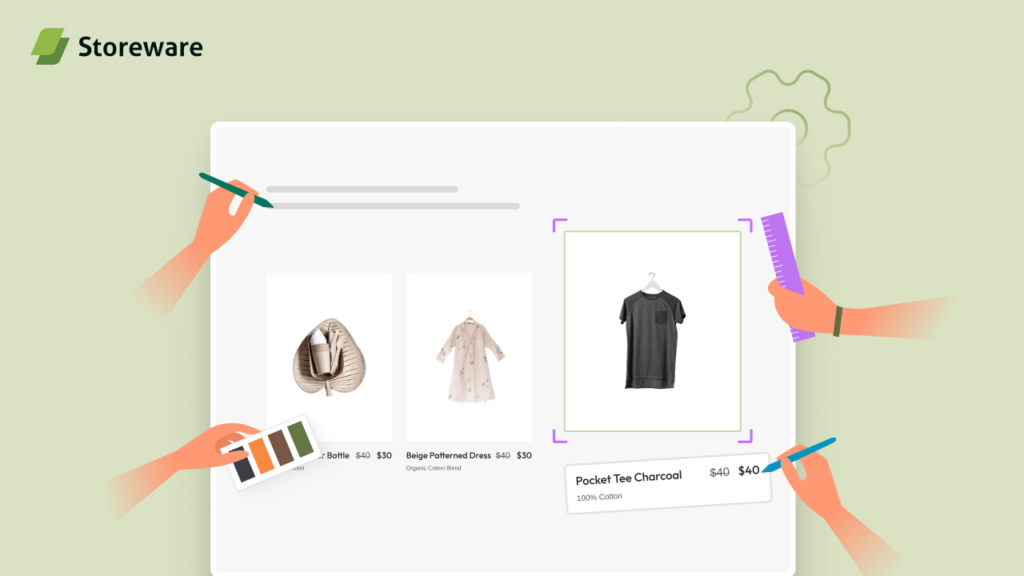
Getting traffic is only half the battle for business growth. The other half is making sure Google and your shoppers actually love what they land on. And that is exactly where most store owners leave a ton of money on the table. That is why we have prepared a product page for SEO: design, content & UX checklist.
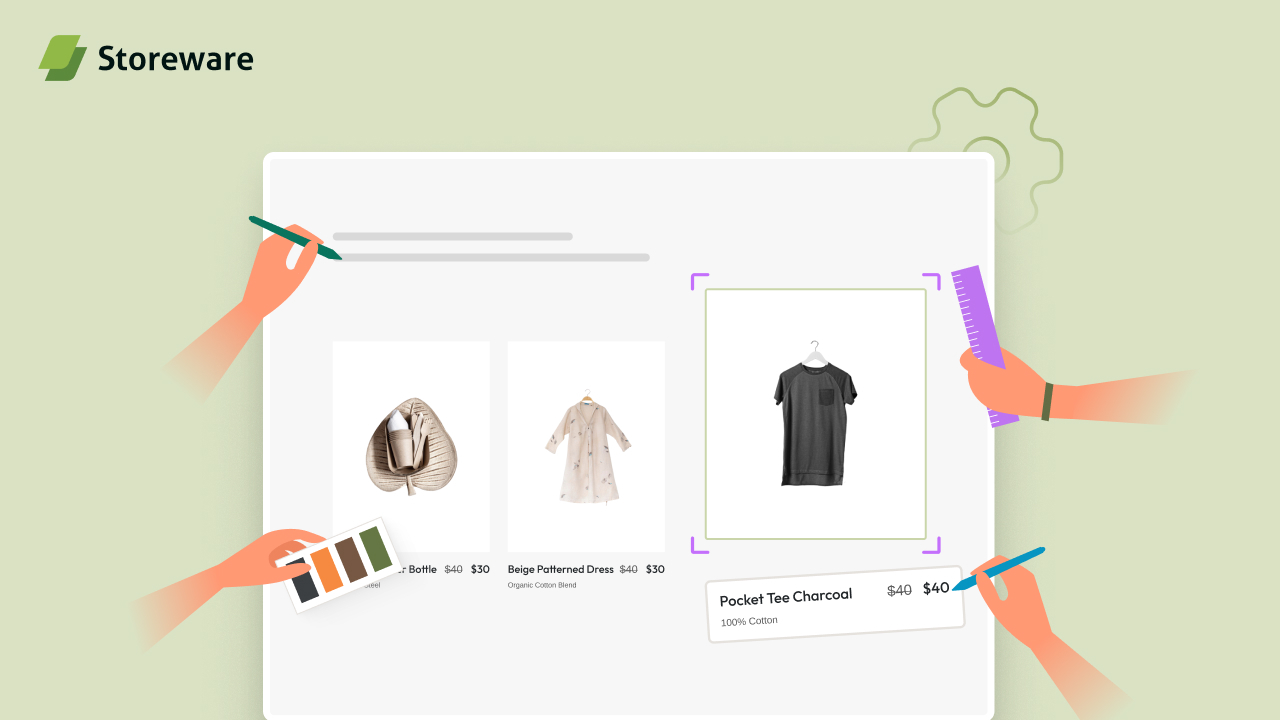
At Storeware, we work with thousands of eCommerce merchants every day through our suite of Shopify-native apps, and one thing we hear constantly is: “Why is my product page not ranking even though my product is great?” The answer almost always comes back to the same three pillars: weak on-page SEO, poor content structure, and a user experience that fails to convert or send the right signals to search engines.
This guide is our definitive answer to that problem. We are going to walk you through a complete, actionable checklist covering every dimension of product page optimization, from technical metadata to design psychology to structured data. Whether you are launching a new store or auditing a mature catalog, this is the playbook we use ourselves and the one we have built our tools around.
| A Note from the Storeware Team: We are not writing this from a purely theoretical perspective. Every recommendation in this guide is informed by real data from thousands of Shopify stores using StoreSEO, our AI-powered SEO app. When we say something works, it is because we have seen it work, repeatedly, across categories, price points, and geographies. |
1. Why Product Page for SEO Is the Most Underrated Growth Lever in eCommerce
Let us start with the big picture. Most SEO conversations in eCommerce revolve around category pages, homepages, and blog content. These are important. But product pages are where the actual buying decision gets made, and they are also where commercial intent is highest in search.
When someone types “buy ergonomic office chair under $300” into Google, they are not looking for a category overview. They want to land on a product page that answers every question they have, builds their confidence, and makes it easy to buy. If your product pages are thin, generic, or structurally poor, you are losing those high-intent visitors to competitors who have done the work.
Here is what makes product page SEO distinctly challenging compared to other page types:
- Every product page competes independently, meaning even within the same store, cannibalization is a real risk.
- Product pages carry transactional search intent, which means Google holds them to a higher E-E-A-T (Experience, Expertise, Authoritativeness, Trustworthiness) standard.
- They involve both crawlability factors (structured data, canonical tags, indexation) and conversion signals (reviews, page speed, UX flow) that jointly influence rankings.
- Content duplication is endemic in eCommerce, especially when multiple variants or similar products share descriptions.
The good news is that when you get this right, the compounding effect is extraordinary. A well-optimized product catalog of 200 pages can outperform a poorly optimized one of 2,000 pages. That is a leverage opportunity that most merchants are not taking advantage of.
2. The Anatomy of a Well-Optimized Product Page
Before we dive into the checklist, it helps to think of a product page as having four distinct layers, each of which contributes to both SEO performance and user experience:
Layer 1: Technical Foundation
This is everything the user does not see but Google absolutely does. URL structure, canonical tags, structured data markup, page speed, mobile responsiveness, indexation controls, and image metadata all live here. Get this wrong and no amount of great content will save your rankings.
Layer 2: On-Page Content Signals
This includes your title tag, meta description, H1, product description, and all the semantic keyword signals that tell Google what your page is about. This layer needs to satisfy search intent while naturally incorporating target and related keywords.
Layer 3: User Experience and Engagement
Google’s ranking systems increasingly incorporate engagement signals, page experience metrics (like Core Web Vitals), and behavioral data. A page that loads slowly, confuses users, or buries the buy button is going to underperform regardless of how well-written the copy is.
Layer 4: Trust and Authority Signals
Reviews, ratings, trust badges, FAQ sections, and social proof are not just conversion tools. They directly influence how Google evaluates your page’s E-E-A-T. A product page with 200 verified reviews and a detailed FAQ section demonstrates authority in a way that bare product copy simply cannot.
Now, let us go through each of these layers in detail with the complete checklist.
3. Technical SEO Checklist for Product Pages
3.1 URL Structure and Canonicalization
Your product page URL is the first signal Google reads, and it matters more than most people think. Here is what we recommend:
- Keep URLs short, descriptive, and keyword-rich (example: /products/ergonomic-mesh-office-chair not /products/prod-00174-variant-A).
- Avoid parameter-heavy URLs for variant pages (color, size). Use canonical tags to point variant URLs back to the primary product page.
- Do not use stop words like “the”, “and”, “of” in URLs. They add length without adding value.
- Use hyphens to separate words, never underscores.
- Ensure all product URLs return a 200 status. Monitor for accidental 301 chains that dilute link equity.
| Shopify Note: Shopify automatically prepends / products / to your product handles. That is fine and expected. What you can control is the handle itself, so make it count. StoreSEO gives you a clean interface to audit and edit product handles across your entire catalog without touching the Shopify admin one page at a time. |
3.2 Indexation and Crawl Control
- Ensure your product pages are indexable. Check that your theme or apps are not accidentally adding noindex tags to product pages.
- For out-of-stock products, avoid noindexing them unless they are permanently discontinued. Temporary OOS pages can retain ranking equity.
- Add product pages to your XML sitemap. Shopify auto-generates a sitemap but verify it includes all live products.
- Use internal linking from blog posts and collection pages to pass authority to product pages.
- Check that Googlebot can render your JavaScript. Shopify’s storefront uses JS-heavy frameworks, and content loaded via JS may not be indexed.
3.3 Page Speed and Core Web Vitals
Core Web Vitals are a confirmed Google ranking factor. For product pages specifically, three metrics matter most:
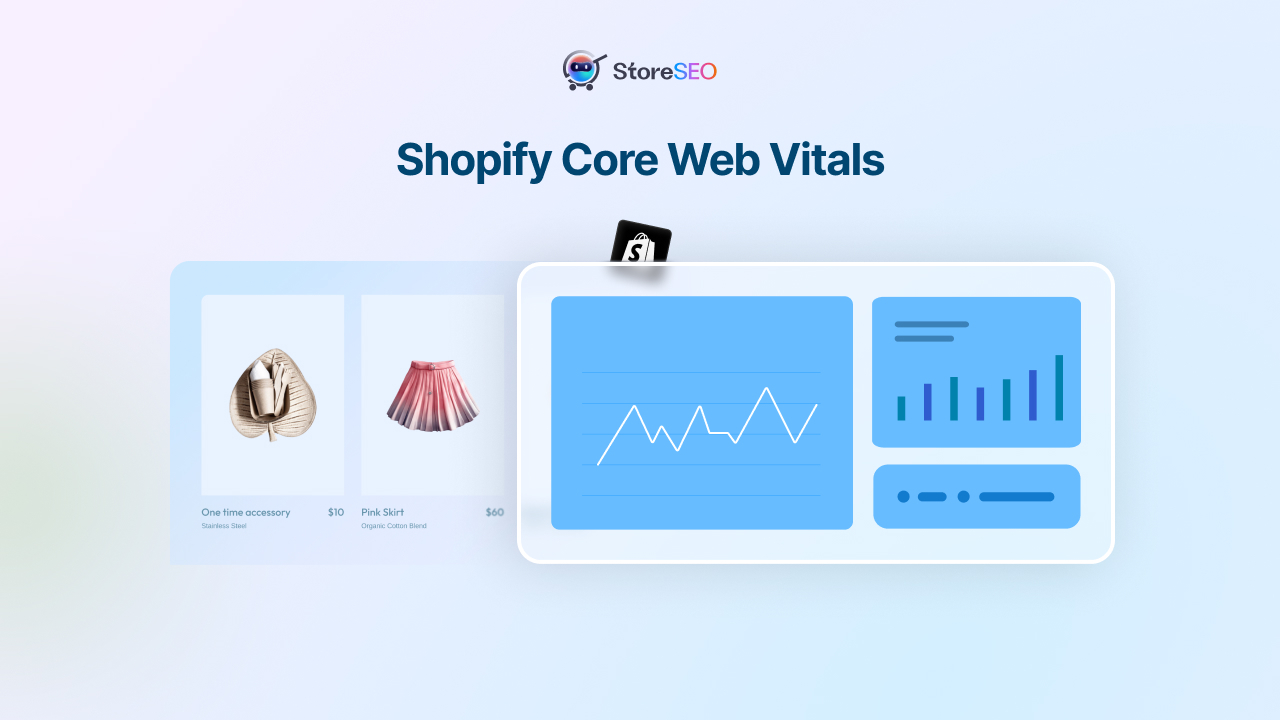
- Largest Contentful Paint (LCP): This is usually your hero product image. Compress images aggressively and use WebP format. Target under 2.5 seconds.
- Cumulative Layout Shift (CLS): Avoid layout shifts caused by lazy-loaded images without defined dimensions, or third-party scripts that inject content.
- Interaction to Next Paint (INP): Minimize JavaScript execution time on page load. Defer non-critical scripts.
Our app StoreSEO includes an AI-powered image optimizer that automatically compresses and converts product images to next-gen formats, which directly improves LCP scores without any manual effort.
3.4 Structured Data (Schema Markup)
SEO schema is one of the highest-leverage technical investments you can make on a product page. Product schema enables rich results in Google Search, which increases click-through rates significantly. Here is what you need:
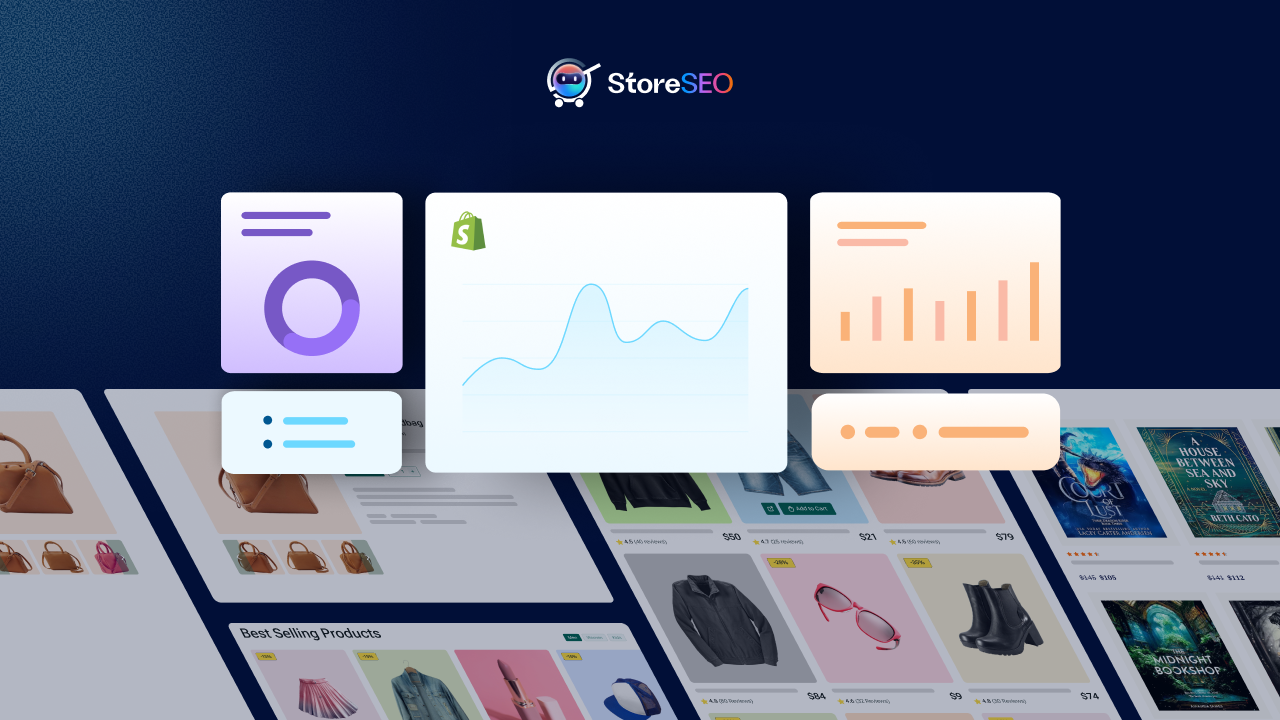
- Product schema: Include name, description, image, SKU, brand, and MPN.
- Offer schema: Include price, priceCurrency, availability, and URL.
- AggregateRating schema: Populate dynamically from your review data. Google uses this for star ratings in search results.
- BreadcrumbList schema: Helps Google understand your site hierarchy and often appears in the SERP.
- FAQPage schema: If you have an FAQ section on your product page (and you should), mark it up. This can earn featured snippet placements.
| AEO & GEO Signal: Answer Engine Optimization and Generative Engine Optimization both rely heavily on structured data. When Google’s AI Overviews or other AI assistants pull product information into their answers, they are reading your schema markup. If you do not have it, you are invisible to these systems. |
4. On-Page Content Optimization Checklist
4.1 Title Tag Optimization
Your title tag is the single most important on-page SEO element. It directly influences where you rank and whether anyone clicks. Here is how to get it right:
- Include your primary keyword as early as possible in the title. “Ergonomic Mesh Office Chair” not “Office Chair, Ergonomic Mesh Style.”
- Keep title tags between 50 and 60 characters (approximately 580 pixels) to prevent SERP truncation.
- Include your brand name at the end if space allows, separated by a pipe or hyphen.
- Avoid keyword stuffing. One primary keyword, one or two supporting modifiers (material, color, use case) is the right balance.
- Make titles unique across all products. Duplicate title tags are a common eCommerce problem that confuses Google and cannibalizes rankings.
With StoreSEO’s bulk title editor, you can audit and update title tags across your entire product catalog in one session, with AI suggestions based on your product data and target keywords.
4.2 Meta Description Best Practices
Meta descriptions do not directly influence rankings, but they do influence click-through rates, which in turn influences rankings. Think of your meta description as your organic ad copy.
- Keep meta descriptions between 150 and 160 characters.
- Include your primary keyword naturally within the first sentence.
- Lead with value: what does the shopper get? Why this product over competitors?
- End with a soft call to action: “Shop now,” “Free shipping on orders over $50,” or “Available in 12 colors.”
- Avoid duplicate meta descriptions. Every product should have a unique, handcrafted or AI-assisted description.
4.3 H1 Tag: The Page’s Signal Tower
On a product page, the H1 should almost always be your product name, ideally with a primary keyword embedded naturally. A few important rules:
- Use only one H1 per product page. Multiple H1s dilute the topical signal.
- The H1 should match the intent behind the target keyword. If someone searches “waterproof hiking boots for women,” your H1 should speak directly to that.
- Do not make the H1 identical to your title tag. The title tag is for search engines and SERPs. The H1 is for users on the page.
4.4 Product Description: Where Most Stores Fail
Generic, manufacturer-supplied product descriptions are one of the most common and damaging SEO mistakes in eCommerce. Here is a complete content checklist for product descriptions:
4.4.1 Length and Depth
- Aim for a minimum of 300 words of unique, original product copy for high-value or complex products.
- Simple or low-price products can have shorter descriptions, but they should still be original and descriptive.
- Do not pad content. Every sentence should either inform, persuade, or reassure the buyer.
4.4.2 Keyword Integration
- Include your primary keyword in the first 100 words of the description.
- Naturally incorporate 3 to 5 semantic keywords (related terms, synonyms, use-case phrases) throughout the copy.
- Use keywords in subheadings (H2 and H3) within the product description section where relevant.
- Avoid exact-match keyword stuffing. Write for humans first, then check keyword coverage.
4.4.3 Content Structure
- Lead with the most compelling benefit or differentiator, not a generic overview.
- Use short paragraphs (2 to 3 sentences) to maintain readability on mobile.
- Use bullet points for key features and specifications. Scannable content converts and ranks better.
- Include a “Who is this for” section for complex products. This helps qualify traffic and satisfies search intent more precisely.
- Add sensory and emotional language where appropriate. Help the shopper visualize using the product.
| Semantic SEO Insight: Google’s understanding of product pages goes far beyond keyword matching. It reads the semantic relationships between terms. A description that mentions “lumbar support,” “adjustable armrests,” “breathable mesh,” and “8-hour workday comfort” naturally communicates to Google that this is an ergonomic office chair page, even without repeating that exact phrase five times. Build your content around topic clusters, not keyword frequency. |
4.5 Heading Hierarchy Within Product Pages
Many product pages use only an H1 and then fall back to bold text for everything else. This is a missed opportunity. If your product page includes multiple sections (features, specifications, reviews, FAQ), use proper heading hierarchy:
- H1: Product name (one per page).
- H2: Major section headers (Features & Benefits, Product Specifications, Customer Reviews, Frequently Asked Questions).
- H3: Sub-sections within major sections (Material Details, Shipping Information, Comparison with Similar Products).
- H4: Granular sub-topics if needed.
This heading hierarchy is not just for SEO. It creates the document outline that screen readers use, that AI systems parse for featured snippets, and that impatient shoppers use to navigate long pages.
5. Image Optimization Checklist
Product images are simultaneously your most important conversion asset and one of your most neglected SEO opportunities. Here is the full checklist:
5.1 File Naming
- Name image files descriptively before uploading. “blue-ergonomic-office-chair-front-view.webp” is infinitely better than “IMG_4821.jpg”.
- Use hyphens between words, not underscores or spaces.
- Include your primary keyword in at least the hero image file name.
5.2 Alt Text
- Write unique, descriptive alt text for every product image.
- Include the primary keyword naturally in the hero image alt text. For secondary images, use descriptive alt text that adds context (angle, color, feature being shown).
- Keep alt text under 125 characters.
- Do not keyword-stuff alt text. Write it as if describing the image to someone who cannot see it.
5.3 Technical Image Specs
- Use WebP format for all product images where possible. It offers superior compression at equivalent quality.
- Compress images to minimize file size without visible quality loss. Target under 100KB per image for product thumbnails.
- Define explicit width and height attributes for all images to prevent CLS.
- Implement lazy loading for below-the-fold images. Eager load the hero/first product image.
- Use a Content Delivery Network (CDN). Shopify’s CDN is decent, but supplementing with image optimization apps can reduce load times significantly.
StoreSEO’s AI Image Optimizer handles alt text generation, image compression, and format conversion automatically across your entire catalog. For stores with hundreds or thousands of products, this alone can save dozens of hours.
6. UX Design Checklist for Product Pages
Search engines increasingly evaluate how users interact with your product pages. High bounce rates, low time-on-page, and poor engagement signals can indirectly suppress rankings. But more importantly, they kill conversions. Here is the UX design checklist we run through for every client:
6.1 Above the Fold Experience
- Product name (H1) should be visible without scrolling on both desktop and mobile.
- Price should be clearly visible above the fold.
- At least one high-quality product image should load in the hero area.
- The Add to Cart or Buy Now button should be visible or reachable with minimal scroll.
- Star rating summary (if reviews exist) should appear near the product name.
6.2 Mobile-First Design
- Product images should be swipeable on mobile with intuitive navigation dots.
- Font sizes should be a minimum of 16px for body text on mobile. Do not make users pinch-to-zoom.
- Buttons should be at least 44px tall for comfortable tapping.
- Avoid horizontal scrolling. All content should reflow correctly within the mobile viewport.
- Test your product page on actual devices, not just browser emulators.
6.3 Variant Selection UX
- Show color swatches visually, not just a dropdown that says “Color.”
- Gray out or clearly label out-of-stock variant combinations rather than hiding them.
- Update the price dynamically when a variant changes without requiring a page reload.
- Show a variant-specific image when the user selects a color or style option.
This is where EasyFlow by Storeware comes in. EasyFlow is our product options customizer that lets you create infinite product variants with a visual, intuitive interface. Customers can configure their exact product without confusion, which reduces bounce rates and increases conversion. It even earned the Built for Shopify badge, which speaks to its quality and deep Shopify integration.
6.4 Trust Signals and Social Proof
Trust is a ranking factor and a conversion factor. Here is how to build it systematically on your product page:
- Display customer reviews prominently, ideally just below the product description or in a dedicated Reviews section with its own H2.
- Show aggregate star ratings near the product name. This creates an immediate credibility signal.
- Include verified purchase badges or review source labels.
- Display trust badges (secure checkout, money-back guarantee, free returns) near the buy button.
- Show recently purchased notifications or low-stock urgency signals where authentic and accurate.
For merchants who need to build their review profiles across platforms like Google Reviews, Trustpilot, or Etsy, Trust.Sync automates the process of collecting and displaying verified reviews from your actual customers. More reviews, displayed properly, with structured data markup, is one of the most reliable ways to improve both rankings and conversion rates.
6.5 Navigation and Internal Linking
- Include a breadcrumb trail at the top of every product page (Home > Category > Product Name).
- Link to the parent collection page from the product page.
- Show related products or “Customers also bought” sections to increase average session depth.
- Link to relevant blog posts or buying guides where appropriate. This contextual linking strengthens topical authority.
For example, our guide on eCommerce growth strategies for new Shopify stores covers how internal linking within your store’s ecosystem can significantly amplify your SEO impact over time.
7. FAQ Section: The Most Underused SEO Asset on Product Pages
We want to spend a moment on this because it is genuinely one of the highest-ROI additions you can make to any product page, and most Shopify stores do not have one.
A well-constructed FAQ section on a product page does several things simultaneously:
- It answers the questions real shoppers are searching, which improves organic visibility for long-tail queries.
- It reduces pre-purchase anxiety, which improves conversion rates.
- It reduces customer support tickets, which saves operational cost.
- When marked up with FAQPage schema, it creates opportunities for featured snippet placements in Google.
- AI systems like Google’s AI Overviews and generative search engines parse FAQ content to build their answers. Having structured, well-written FAQ content increases your chances of being cited.
Here is what a high-quality FAQ section for a product page should include:
- 3 to 8 questions that reflect real customer hesitations or curiosities.
- Questions should match the natural language people use in search queries.
- Answers should be thorough but concise. Aim for 40 to 100 words per answer.
- Include schema markup using the FAQPage type.
- Update FAQ content regularly as new customer questions emerge.
Building and managing FAQ sections across a large product catalog manually is impractical. That is exactly why we built StoreFAQ, our product FAQ builder for Shopify. StoreFAQ lets you create interactive accordion-style FAQ sections on any product page, with built-in schema markup support. It has earned the Built for Shopify badge and is used by stores across dozens of categories.
8. Reviews and Ratings: SEO and Conversion in One Package
We touched on this in the trust signals section, but reviews deserve their own dedicated treatment because they are that important.
From an SEO perspective, customer reviews are a form of user-generated content. They introduce natural language variations, long-tail keyword phrases, and fresh content signals to your product pages, all without any effort on your part (beyond the initial ask). Pages with reviews tend to rank better for conversational and long-tail queries than pages without them.
From a conversion perspective, the data is clear: products with more reviews convert at higher rates. Even a handful of honest, detailed reviews outperforms a perfect-looking product page with no social proof.
8.1 Reviews Checklist
- Set up automated review request emails triggered 7 to 14 days after delivery.
- Make it easy to leave a review. The fewer steps, the more reviews you collect.
- Display reviews prominently on the product page in a dedicated section.
- Show aggregate rating near the product title with star visual.
- Implement AggregateRating schema so star ratings appear in search results.
- Respond to reviews, both positive and negative. This demonstrates brand engagement, which builds trust.
- Flag fake or incentivized reviews for removal. Google and shoppers can detect them.
Trust.Sync from Storeware is built specifically for this workflow. It automates review collection across platforms, including Google Reviews and Trustpilot, filters reviews intelligently, and helps you build a verified review profile that supports both rankings and reputation. Stores using Trust.Sync typically see a meaningful lift in both click-through rates from search and on-page conversion within the first 90 days.
9. Knowledge Base and Self-Service Content as an SEO Signal
Here is something most eCommerce SEO guides miss entirely: your customer support content is also SEO content.
When shoppers land on your product page and still have questions about shipping, returns, installation, compatibility, or warranty, they have two options. They either contact support (costly for you) or they leave and Google the answer (you lose them).
A well-built knowledge base solves both problems. It keeps shoppers on your site, reduces support load, and creates a rich content layer that search engines can index and rank for informational queries related to your products.
BetterDocs for Shopify is our solution for this. It lets you build a branded, searchable knowledge base directly within your Shopify store, so customers can find answers without leaving your ecosystem. Check out our detailed guide on building a branded knowledge base in Shopify https://storeware.io/building-a-branded-knowledge-base-in-shopify/ for a step-by-step walkthrough.
From an SEO perspective, a well-structured knowledge base creates additional indexable content that captures informational search queries and funnels users toward your product pages. It is a classic top-of-funnel SEO play that also serves existing customers.
10. AEO and GEO Optimization for Product Pages
Answer Engine Optimization (AEO) and Generative Engine Optimization (GEO) represent the next frontier of search visibility. As AI-powered search experiences like Google AI Overviews, Perplexity, and other generative assistants become primary discovery channels, product pages need to be structured to be cited and featured by these systems.
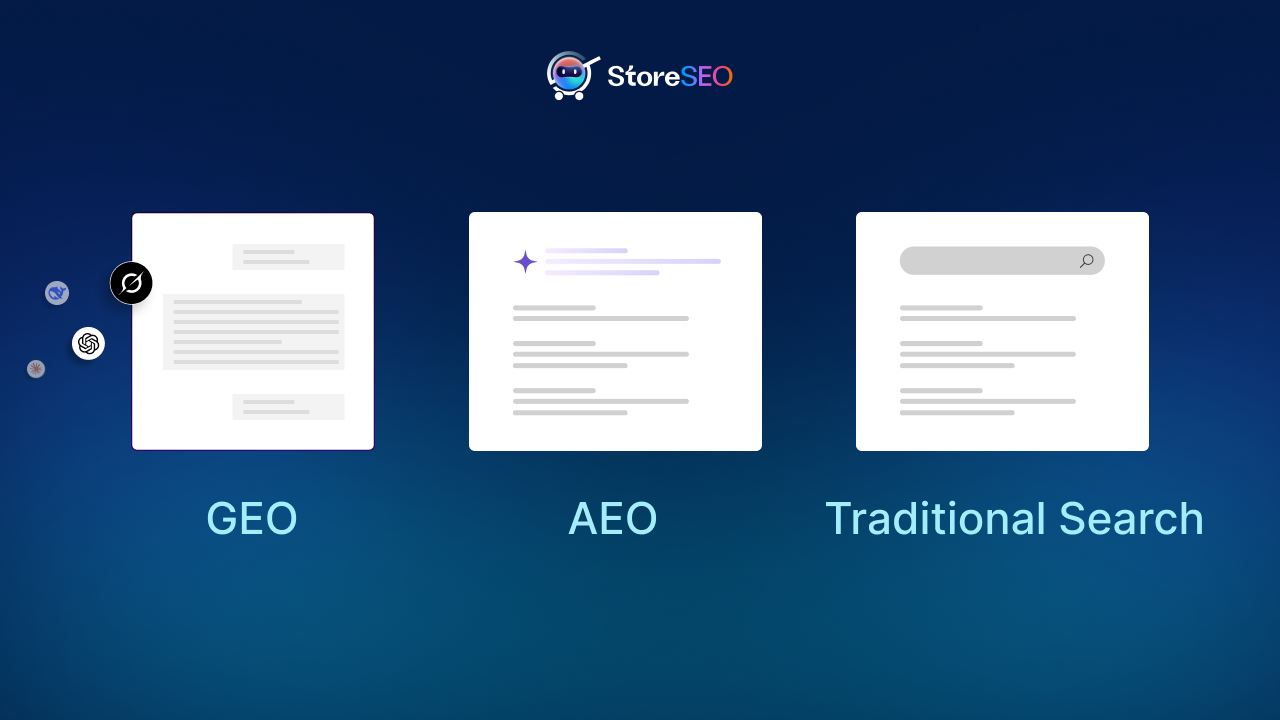
10.1 What AEO and GEO Mean for Product Pages
- AI systems prefer content that is structured, factual, and directly answers specific questions.
- Schema markup is more important than ever. FAQPage, Product, Review, and BreadcrumbList schemas all feed these systems.
- Direct, concise sentences are more likely to be extracted and cited than dense paragraphs.
- Original data, statistics, or proprietary insights make your content more citable.
- Brand mentions from authoritative sources increase the chance of being referenced in AI-generated answers.
10.2 AEO Checklist for Product Pages
- Add a FAQ section and mark it up with FAQPage schema.
- Use structured H2 and H3 headings that match common question formats.
- Write your product descriptions using the inverted pyramid: most important information first.
- Include specific, verifiable product specifications. Dimensions, materials, weight, certifications.
- Add a comparison section or table if your product competes in a well-defined category.
- Cite your own review data. “Based on X verified reviews, customers consistently praise the lumbar support” is exactly the kind of synthesized insight AI systems reference.
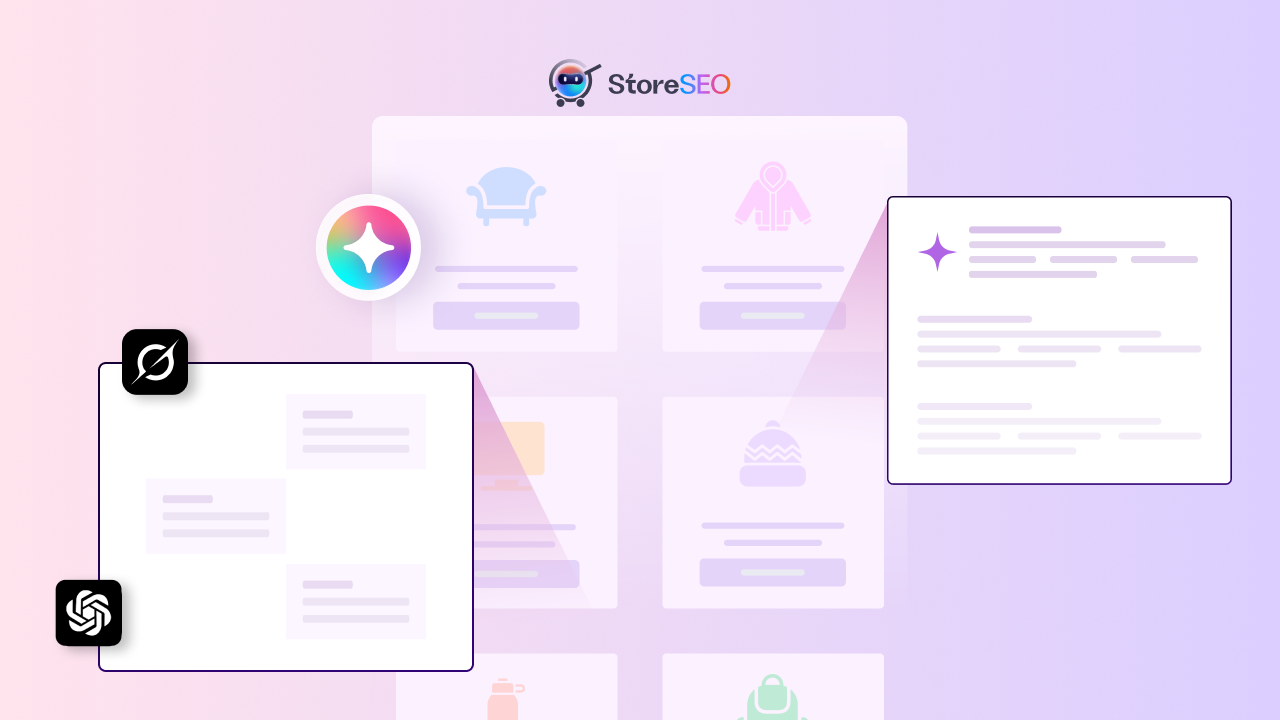
| GEO Tip from Storeware: Generative engines tend to pull from pages that answer a question completely within a single section. Structure your FAQ answers to be self-contained. Do not say “see above” or “as mentioned earlier.” Each answer should stand alone as a complete response. This dramatically increases your chances of being cited in AI-generated product summaries. |
11. The Complete Product Page SEO Checklist
Here is the full printable checklist organized by category. Use this when auditing existing pages or launching new products.
Technical SEO
| Status | Checklist Item |
| ☐ | URL is short, descriptive, and keyword-rich |
| ☐ | No duplicate content across similar product URLs (canonical tags in place) |
| ☐ | Product page is indexable (no accidental noindex tags) |
| ☐ | Page appears in XML sitemap |
| ☐ | Structured data: Product schema implemented |
| ☐ | Structured data: Offer schema with price and availability |
| ☐ | Structured data: AggregateRating schema from review data |
| ☐ | Structured data: BreadcrumbList schema implemented |
| ☐ | Structured data: FAQPage schema if FAQ section exists |
| ☐ | Page loads under 3 seconds on mobile (LCP under 2.5s) |
| ☐ | No Cumulative Layout Shift issues (CLS score under 0.1) |
| ☐ | All images have defined width and height attributes |
| ☐ | JavaScript-rendered content is indexable by Googlebot |
On-Page Content
| Status | Checklist Item |
| ☐ | Title tag includes primary keyword in the first 60 characters |
| ☐ | Title tag is unique across all product pages |
| ☐ | Meta description is between 150-160 characters and includes primary keyword |
| ☐ | Meta description includes a value proposition and soft CTA |
| ☐ | H1 is the product name with primary keyword embedded naturally |
| ☐ | Only one H1 per page |
| ☐ | Product description is original (not copied from manufacturer) |
| ☐ | Primary keyword appears within the first 100 words of the description |
| ☐ | 3 to 5 semantic/related keywords are incorporated naturally |
| ☐ | H2 and H3 headings are used for sections within the page |
| ☐ | Content is minimum 300 words for complex or high-value products |
| ☐ | Bullet points are used for features and specifications |
| ☐ | FAQ section with 3 to 8 questions and detailed answers |
Image Optimization
| Status | Checklist Item |
| ☐ | Image files are named descriptively with keywords |
| ☐ | All images have unique, descriptive alt text |
| ☐ | Primary keyword appears in hero image alt text |
| ☐ | Images are in WebP or optimized JPEG/PNG format |
| ☐ | All images are compressed to minimize file size |
| ☐ | Hero image loads eagerly; below-the-fold images use lazy loading |
| ☐ | Multiple product angles and lifestyle images are present |
UX and Design
| Status | Checklist Item |
| ☐ | Product name, price, and primary image are visible above the fold |
| ☐ | Add to Cart button is clearly visible without excessive scrolling |
| ☐ | Page is fully mobile-responsive |
| ☐ | Images are swipeable on mobile |
| ☐ | Font size is minimum 16px on mobile |
| ☐ | Product variants display visually (swatches not just dropdowns) |
| ☐ | Out-of-stock variants are clearly communicated |
| ☐ | Trust badges are displayed near the buy button |
| ☐ | Breadcrumb navigation is present |
| ☐ | Related products or cross-sell section is present |
| ☐ | Internal links to relevant collections and blog content exist |
Reviews and Social Proof
| Status | Checklist Item |
| ☐ | Customer reviews are displayed on the product page |
| ☐ | Aggregate star rating is shown near the product title |
| ☐ | AggregateRating schema is implemented |
| ☐ | Automated review request emails are set up |
| ☐ | Reviews are moderated and responded to |
| ☐ | Verified purchase badges are displayed where applicable |
12. How StoreSEO Ties It All Together
Managing all of these elements manually across a growing product catalog is genuinely difficult. That is why we built StoreSEO, our AI-powered SEO agent for Shopify stores.
StoreSEO gives every Shopify merchant a clear, actionable SEO score for each product page, modeled on exactly the checklist we have shared above. It surfaces specific issues, prioritizes them by impact, and in many cases fixes them automatically or with a single click.
What StoreSEO Does
- Audits every product page and generates an SEO score out of 100.
- Suggests and generates optimized title tags and meta descriptions using AI.
- Automatically generates descriptive alt text for product images.
- Compresses and converts images to next-gen formats.
- Flags duplicate content, missing schema, and other technical issues.
- Provides bulk editing capabilities so you can fix issues at scale.
- Tracks keyword rankings and monitors improvement over time.
One of our merchants, NuvoHeal, described it this way: “This app is the BEST SEO app on the whole Shopify App Store. They have a checklist of everything you need to do to optimize your products and then give you a simple SEO score out of 100. I love this app so much.” You can explore StoreSEO and see why thousands of Shopify merchants trust it as their primary SEO tool.
For stores looking to get started quickly and affordably, we also have a roundup of the best free Shopify tools to grow your business, many of which complement a strong SEO foundation.
13. Putting the Checklist Into Practice: A Prioritized Workflow
Running through this checklist for the first time can feel overwhelming, especially if you have a large catalog. Here is how we recommend prioritizing:
Phase 1: Technical Foundation (Week 1 to 2)
- Audit all product URLs for structure and canonical issues.
- Implement Product, Offer, and AggregateRating schema across all products.
- Run a Core Web Vitals audit and identify the top 10 pages with LCP issues.
- Ensure all product pages are correctly indexed and appearing in the sitemap.
Phase 2: Content Overhaul (Week 3 to 6)
- Identify your top 20 revenue-generating or highest-potential products.
- Rewrite product descriptions for these pages first, following the content checklist.
- Optimize title tags and meta descriptions across all products (use StoreSEO for bulk updates).
- Optimize all image file names and alt text.
Phase 3: UX and Social Proof (Week 7 to 10)
- Audit and improve mobile experience across top product pages.
- Set up automated review collection workflows.
- Add FAQ sections to top 20 products, with FAQPage schema.
- Implement trust badges and improve internal linking structure.
Phase 4: Ongoing Optimization (Month 3 onwards)
- Monitor keyword rankings and traffic using StoreSEO’s tracking features.
- Update FAQ sections based on new customer questions.
- Expand content optimization to more of your catalog.
- Test and iterate on above-the-fold design elements for conversion.
For new Shopify store owners just getting started, our guide on eCommerce growth strategies for new Shopify stores covers how to build your SEO foundation from day one, before bad habits take root.
SEO-Optimized Product Pages Are a Business Moat
Here is the honest truth about product page SEO: it is not glamorous, and it is not a one-time task. It is a craft that compounds. Every hour you invest in improving your product pages returns value continuously through organic traffic, higher conversion rates, and lower customer acquisition costs.
The stores that win in organic search are not the ones with the biggest ad budgets. They are the ones that have done the meticulous work of making each product page genuinely useful, technically sound, and trustworthy. The checklist we have shared here is exactly how you get there.
At Storeware, every app we build is designed to make one part of this process easier and more scalable. StoreSEO handles your SEO auditing and optimization. EasyFlow makes your product options UX excellent. StoreFAQ gives you rich FAQ content with schema. Trust.Sync builds your review profile. BetterDocs creates your knowledge base. Together, they cover the full product page optimization stack.
If you are ready to start optimizing, the best first step is to run a quick audit on your top products using StoreSEO. You will get an immediate picture of where you stand and exactly what to fix. The free plan is enough to see the value.
And if you are curious about where AI is taking eCommerce optimization next, our piece on the future of conversion rate optimization with AI is worth a read. The tools are getting smarter. The question is whether your store is keeping up.